

Client communication Trello workflows often become unclear when feedback is buried in emails or chat threads. As a result, agencies, freelancers, and developers lose valuable time interpreting requests. With TrelloFix, communication becomes visual, structured, and effortless. In addition, every piece of feedback is automatically sent to the right Trello board, keeping projects transparent and organized.
Show, Don’t Tell – Use Screenshots for Client Communication Trello
Clients don’t need to write paragraphs to explain what’s wrong. Instead, they can capture and annotate a screenshot with TrelloFix. For example, a client can highlight a broken button or design error directly on the page. As a result, developers see the problem instantly without miscommunication.
Keep Feedback Centralized in Trello
Feedback is often scattered across emails, Slack messages, or documents. However, TrelloFix ensures everything stays inside Trello. Each screenshot becomes a Trello card with context, notes, and labels. In addition, teams no longer waste time searching across multiple platforms for missing feedback.
Transparency Builds Trust
Clients love visibility. With TrelloFix, they can watch issues move through Trello workflows from “To Do” to “Done.” Consequently, communication becomes transparent, and clients gain confidence in the team’s progress. Moreover, this openness strengthens long-term client relationships.
Cut Email Overload with TrelloFix
Endless email chains slow projects down. Instead, TrelloFix shifts communication into Trello, where updates are real-time and visible to everyone. As a result, fewer emails mean faster feedback cycles, happier clients, and less confusion.
Deliver Faster, Build Loyalty
When communication improves, so does delivery speed. For instance, a design correction that once took days of back-and-forth can now be fixed in hours. Therefore, TrelloFix not only saves time but also increases client satisfaction. Finally, happy clients are more likely to return for future projects.
Why TrelloFix Improves Client Communication Trello Workflows
Traditional client communication involves messy spreadsheets, endless chats, or tools that don’t connect to Trello. However, TrelloFix integrates directly with Trello boards, removing extra steps. Consequently, teams spend more time solving client requests and less time chasing feedback.
For a deeper dive, check out Trello’s own guide to client collaboration or Atlassian’s best practices for project communication. By combining these resources with TrelloFix, you’ll unlock a faster, clearer way to work with clients.
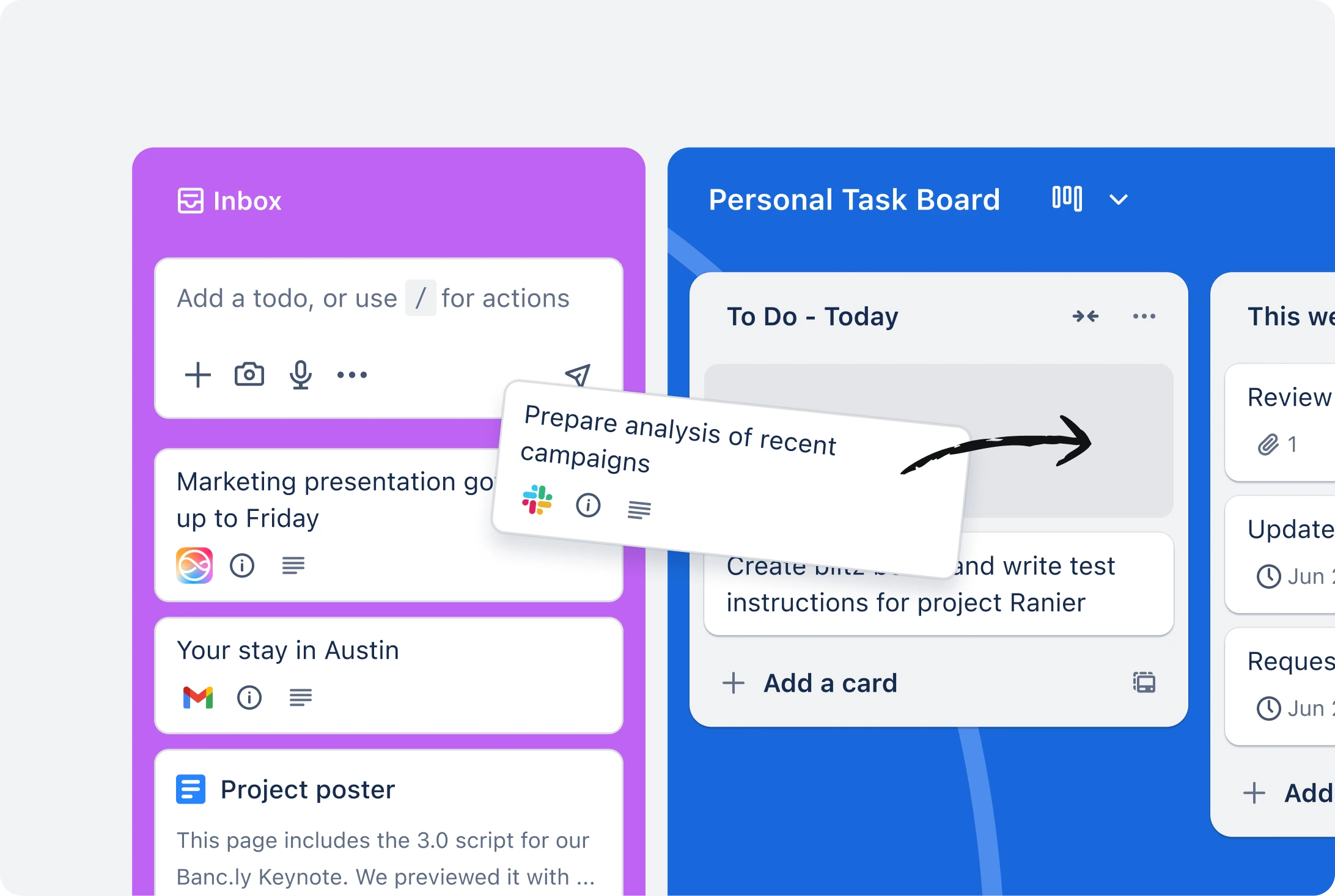
Client communication in Trello doesn’t have to be difficult. With TrelloFix, agencies and freelancers can capture screenshots, centralize discussions, and deliver results faster. Finally, try TrelloFix free until January 2026 and experience a new standard in client communication.